
Cloud migration
Cloud to cloud migration
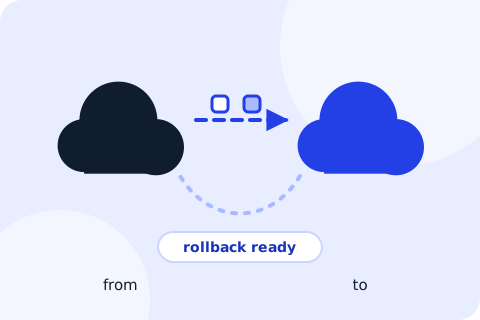
Change provider, account or region on your own schedule, with the data transfer costs and the rollback worked out first.
What is included
- Moves between AWS and Azure in either direction
- Moves from a VPS, dedicated server or shared host into a major cloud
- Account and region moves, for example to keep data inside a country
- Mapping of networking, identity and access differences between providers
- A data transfer estimate, including provider egress fees, before you commit
- A parallel run, then DNS cutover, then clean shutdown of the old environment
A good fit if
- Your cloud bill has grown and you want to compare providers honestly
- Credits or a discount programme are ending
- A customer or regulator requires data to stay in a particular country
- Two companies have merged and their cloud accounts need consolidating
How it runs
A migration in four steps
Assess
Inventory what runs where, and what each piece costs today.
Plan
Design the target, estimate transfer costs and set the cutover order.
Migrate
Copy, test and switch in waves, with the old side kept as a fallback.
Retire
Shut down the old environment only after a parallel run you have approved.
Questions we hear
Why does moving out of a cloud cost money?
Most providers charge for data leaving their network. We estimate that charge up front so it does not surprise you.
Can you move without changing my applications?
Often yes, using the same operating systems and databases on the new side. Where a managed service has no equivalent, we tell you what has to change.
What about my DNS and email?
They are part of the plan. We lower DNS timeouts ahead of the switch and confirm mail flow after it.
Related services
Contact
Tell us what you run today.
Send a short note about your current setup and where you want it to be. We will reply with the questions we would ask first.